Introduction
SignalWire allows you to create and assign E911 addresses directly from your Space. The assigned address is provided to emergency services when someone calls 911 from that phone number.
The process has two parts: you must first create the emergency address, then assign it to each applicable phone number. Creating an address alone does not enable E911 on any number.
Create an E911 Address
Log in to your SignalWire Space
Sign in to your SignalWire dashboard with your credentials.
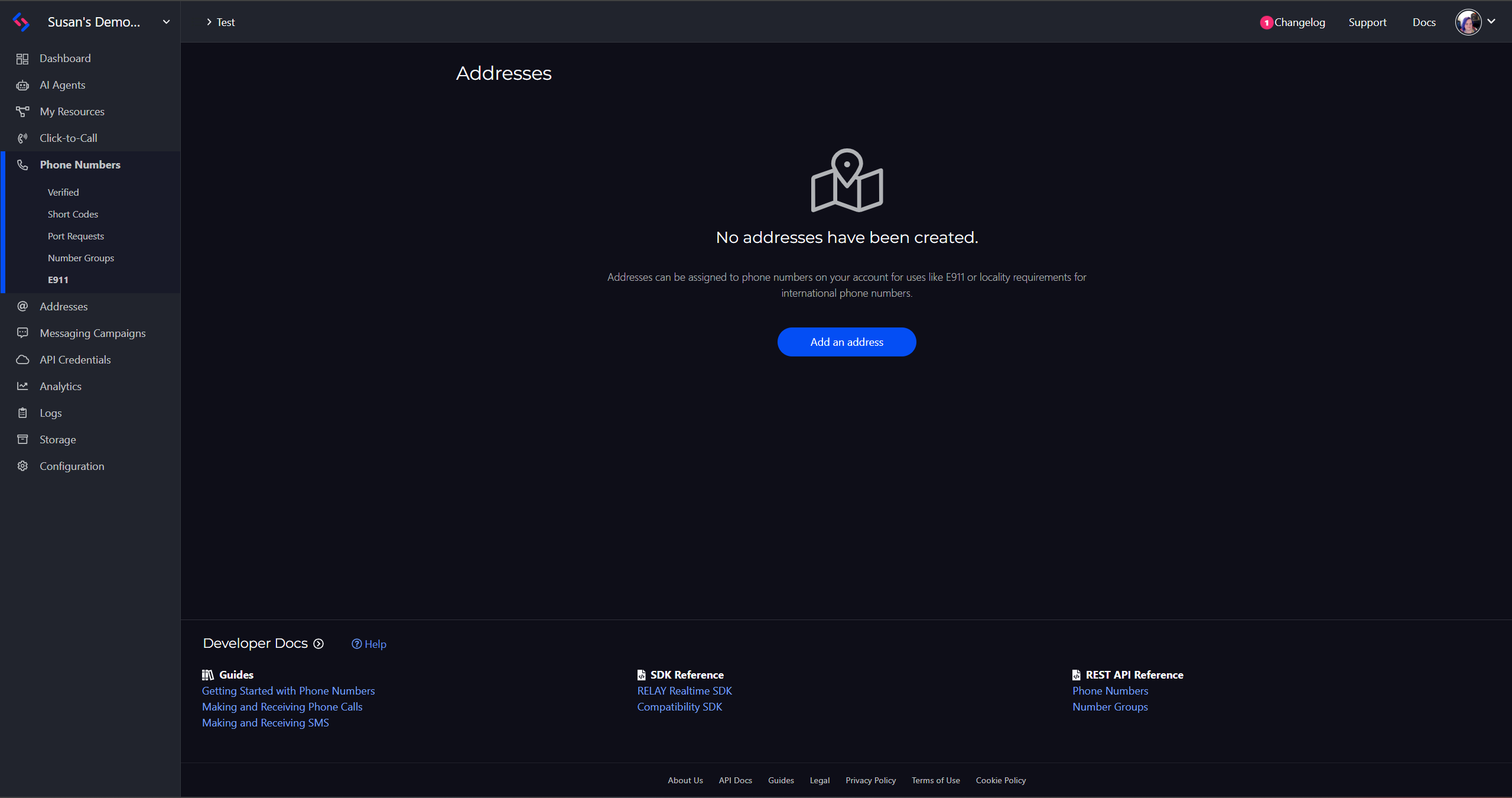
Select Addresses from the left navigation menu
From the main dashboard, open the Addresses section.
Click + New
Create a new emergency address entry.
Enter a label and the complete physical address
Provide a label and the full physical address where the phone number will be used.
Submit the address
Submit the address for validation. It must be validated before it can be assigned for E911 service.
Include any applicable apartment, suite, floor, or unit number. The address must be validated before it can be assigned for E911 service.
Assign the Address to a Phone Number
Creating an address does not automatically enable E911 for your phone numbers. You must assign the address to each number separately.
Select Phone Numbers from the left navigation menu
From the main dashboard, go to the Phone Numbers section.
Open the phone number you want to configure
Click on the specific phone number to open its settings.
Go to the number's E911 settings
Navigate to the E911 section on the phone number configuration page.
Locate the appropriate emergency address
Find the emergency address you created earlier from the list of available addresses.
Click Assign & provision
This submits the address to the carrier for provisioning.

Provisioning & Important Warnings
The address will be submitted to the carrier for provisioning. Provisioning may not complete immediately. Do not consider E911 active until the number's E911 status shows that provisioning has completed successfully.
Until an emergency address is assigned and provisioned, 911 calls from the number may be routed through a national emergency call center and billed at $100 per call.
If the phone number moves to a different physical location, update or replace its assigned E911 address promptly.
Configure E911 Through the REST API
You can also create and manage E911 addresses programmatically through the SignalWire REST API:
Provisioning Status Flow
When assigning an address through the API, provisioning begins with a pending status. The status changes to active after the carrier confirms the registration. If the carrier cannot complete the registration, the status changes to failed.
Provisioning started
Carrier confirmed
if the carrier cannot complete the registration
For full reference details, see the Assign an E911 address API documentation.